
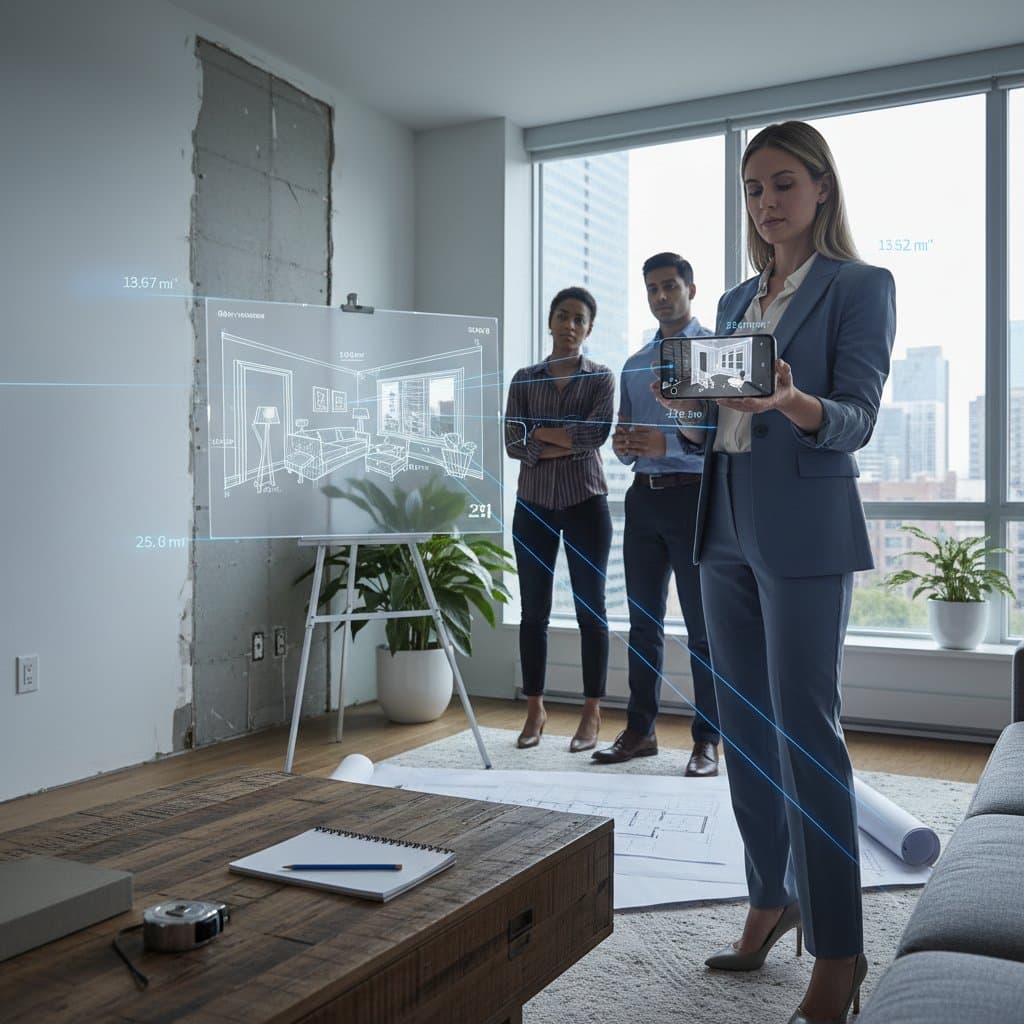
The Rise of 3D Scanning: A Permanent Shift from Tape Measures
Home improvement projects start with a fundamental step: obtaining accurate measurements. Rearranging furniture, installing custom storage, or outlining a full renovation all depend on reliable dimensions. For decades, professionals and homeowners relied on retractable tape measures and handwritten notes. Now, advancements in 3D room scanning technology offer a superior alternative that is quicker, more precise, and widely available through everyday devices.
The Importance of Precise Measurements in Design
Inaccurate measurements lead to common pitfalls, such as furniture that fails to navigate doorways or shelves that interfere with windows. Even minor discrepancies of a few centimeters result in wasted time, extra trips to stores, and disrupted plans. Digital measuring solutions address these issues by leveraging smartphone cameras and sensors to generate millimeter-accurate scans of entire spaces.
This technology benefits a range of users. Homeowners gain confidence in solo projects, while renters avoid costly errors when selecting furnishings. Professionals, including interior designers and contractors, achieve streamlined workflows that enhance efficiency from initial consultations to final installations.
Understanding the Mechanics of 3D Room Scanning
3D scanning applications harness the LiDAR sensors and cameras found in modern smartphones and tablets to map physical environments. Users initiate a scan by slowly moving the device around the room, allowing the software to construct a point cloud that represents walls, floors, ceilings, and fixtures. The process typically requires 30 seconds to two minutes per room, depending on size and complexity.
Popular applications include RoomScan Pro, which excels at automatic floor plan generation and area calculations; Magicplan, ideal for exporting measurements to PDF reports; Polycam, known for high-fidelity 3D meshes suitable for virtual reality previews; and Canvas, which integrates seamlessly with architectural software like SketchUp and AutoCAD. After scanning, users interact with the model by selecting points to measure distances, angles, or volumes directly on screen.
For instance, determining the clearance between a countertop and overhead cabinet involves a simple tap, yielding instant results. Renters use these features to verify furniture fit before purchase, while architects import scans to overlay proposed designs and simulate changes.
Key Benefits in Everyday Applications
-
Superior Accuracy and Efficiency: Scanning captures a comprehensive spatial record in moments, surpassing the limitations of manual methods that often miss irregular surfaces or high ceilings.
-
Enhanced Collaboration: Teams share interactive 3D files via cloud platforms, ensuring all parties work from identical data and reducing errors in communication.
-
Improved Budget Management: Precise dimensions prevent overordering materials, such as excess flooring or ill-fitting cabinetry, which can inflate costs by 10 to 20 percent.
-
Broad Accessibility: Many apps offer free basic versions, with premium features under $10 monthly, requiring only a compatible device to democratize professional tools.
-
Versatility Across Projects: From small apartment tweaks to large-scale remodels, scans support iterative planning, allowing users to test multiple configurations virtually.
In a personal project involving a compact kitchen, a 3D scan revealed four additional inches of usable wall space hidden behind trim. This discovery enabled the installation of a slim shelving unit, optimizing storage without invasive alterations. Such insights demonstrate how technology amplifies human ingenuity in design.
Practical Strategies for Optimal Scanning Results
To maximize scan quality, position the device in well-lit areas where natural or ambient light aids sensor detection of textures and edges. Remove obstacles like furniture or decor to expose structural elements clearly.
Establish reference markers at fixed points, such as door hinges or window sills, to maintain consistency across multiple sessions. Verify critical measurements manually for areas with potential distortions, like warped floors or angled walls.
Organize scans by saving them with descriptive labels, such as 'Living Room Baseline' or 'Kitchen Post-Demo,' to monitor changes over time in ongoing projects.
Integrating 3D Scanning into Your Workflow
3D room scanning empowers users at every level, from first-time apartment dwellers arranging decor to seasoned renovators executing complex builds. It provides the precision of specialized equipment without the associated expense or learning curve.
Experiment with virtual layouts to visualize outcomes before committing resources, fostering creativity while minimizing risks. Although tape measures retain utility for spot checks, the speed and insight of digital scans redefine the planning process.
Ultimately, this technology reveals untapped potential in spaces, guiding users toward informed choices that align vision with reality.